


Eye Color Mix
4.52.26K Reviews
App Specs
- Version
- 1.6.0.7
- Updated On
- License
- Free
- Downloads
- 10,000,000+
- Developer
- CrazyLabs LTD
- Categories
- Simulation
- Platform
- Android, iOS
Screenshots
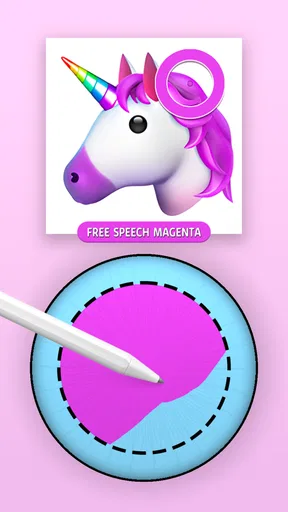
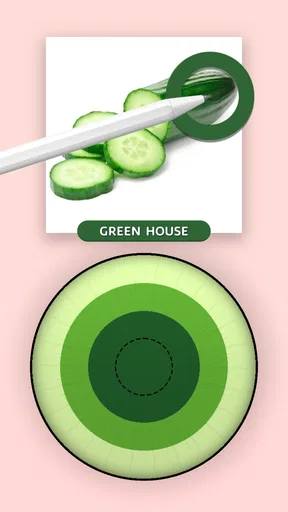
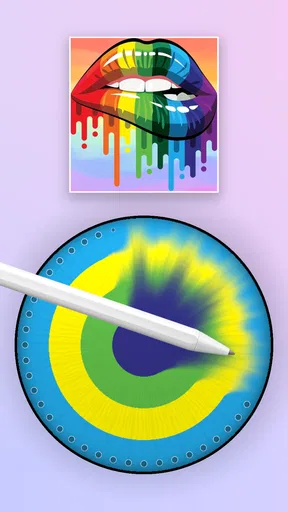
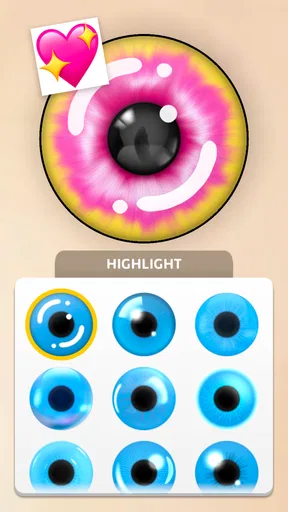


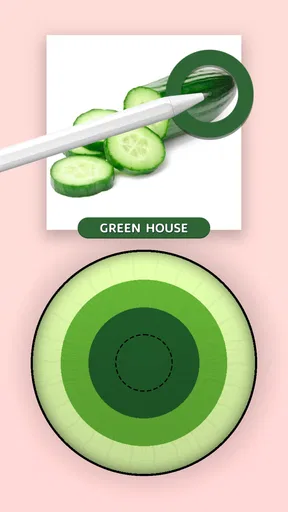
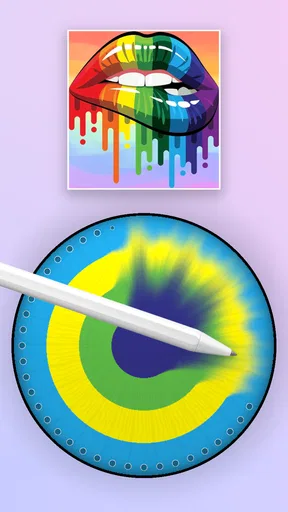
 Analysis by AppCompare
Ever wondered how you'd look with a different eye color? Well, wonder no more because Eye Color Mix is here to satisfy your curiosity. This app lets you experiment with countless eye colors, transforming your selfies into something magical. Let's dive into everything this app has to offer!
For me, the appeal is strongest in the first few sessions: choosing an eye shade and seeing the change is a quick, low-commitment way to play with a selfie. That makes it easy to recommend to someone who is curious about a new look but not ready to make a real-world change. I would treat the result as playful inspiration rather than a reliable preview of how colored contacts or a different natural eye color would look in every setting.
A practical way to get more from a short session is to start with one clear, well-lit portrait and compare a restrained shade with a more vivid one. Keeping the same photo makes the difference easier to judge than switching between selfies with different lighting. It also helps separate the effect of the color from the effect of the image itself.
First Impressions: A Colorful Encounter
Once you open Eye Color Mix, you’re greeted with a user-friendly interface that’s as inviting as a splash of rainbow. The layout is intuitive, making it easy for even the most technologically challenged among us to navigate. Right from the get-go, you can tell that the app is designed with simplicity in mind, which is a big plus in my book.
As a simulation game from CrazyLabs LTD, it is built around trying out visual possibilities rather than editing a full portrait or completing a complex creative project. It is free to download, rated for Everyone, and has a 4.6 average from around 215,000 ratings, with over 10 million installs. Those figures suggest that the basic idea has broad appeal, but they do not change what matters in daily use: whether the simple color experiment stays enjoyable once the first surprise wears off.
The app offers a wide range of eye colors—from subtle shades to bold and vibrant hues. Whether you want to see how you'd look with icy blue eyes or a mysterious shade of violet, the app’s got you covered. The best part? You can adjust the intensity of the color, making your edits look as natural or as dramatic as you want.
This control is useful when a shade looks too strong at first. Rather than deciding immediately that a color does not suit the photo, I would ease the intensity back and check whether the eyes still look distinct without dominating the face. For a casual profile-picture experiment, a modest change is often more convincing; for a deliberately fantastical image, pushing the color can be the point. Neither approach is automatically better, so the choice depends on what you want the finished picture to communicate.
Worth Reading Before You Choose

EA SPORTS FC Mobile 26 Is a Bigger Football Game, but It Takes Time

Flipboard Shows What News Apps Must Do Beyond the Feed

Switching to Android Auto Means Rethinking Your Driving Routine

Google Calendar Makes a Crowded Week Easier to Manage

Ludo King Makes the Most of the Minutes Between Plans

Baby Panda World Brings Quick Play to Modern Phones, but Its Game Library Feels Busy
Features: More Than Meets the Eye
What makes this app stand out is its variety of features that allow for creative freedom. Here are some of the highlights:
- Multiple Eye Colors: Choose from a vast palette of colors. You can even try out heterochromia (two different eye colors) for a unique look.
- Adjustable Intensity: Fine-tune the intensity of the eye color to match your preference. Want a subtle change or a bold statement? The choice is yours.
- Photo Realism: The app’s algorithm ensures that the eye colors blend seamlessly with your original photo, maintaining the natural look.
- Sharing Options: Once you're satisfied with your new look, share your masterpiece directly from the app to your favorite social media platforms.
The eye color detection is surprisingly accurate. You simply upload a selfie, and the app identifies your eyes automatically, which saves you from the hassle of manual adjustments.
Automatic detection is convenient, but the photo still does much of the work. I would choose a picture where both eyes are visible, the face is not turned sharply away, and shadows do not obscure the eye area. This is not just about chasing a more polished result: a clean starting image makes it easier to decide whether you genuinely like the shade. If the effect looks misplaced, trying another portrait is a sensible first step before spending time fine-tuning the same one.
There is also a useful distinction between this kind of focused color play and a general photo editor. A broader editor may offer more control over the whole image, while this game keeps the activity centered on eye color and quick experimentation. That narrow focus suits a short, light session. If your goal is a carefully retouched portrait with detailed control over every part of the face, a dedicated editing app is likely the better fit.
Playing Around: My Experience
I spent quite a bit of time playing around with different eye colors. Honestly, I was impressed with how realistic the changes looked. The app lets you zoom in and out to make precise adjustments, ensuring your edits are spot-on. I tried various combinations, and each time, the results were stunning. The app does an excellent job of maintaining the texture and natural highlights of your eyes, which adds to the realism.
For an everyday use case, imagine having a few minutes while waiting for a friend: you can open a portrait, test a couple of shades, and decide whether the change feels playful or believable without turning the moment into a bigger editing project. I would save the most interesting result only after checking it at normal viewing size as well as close up. Zooming in can make tiny details feel important, while a social post or profile image is usually seen much smaller.
Heterochromia is worth approaching as a separate creative choice rather than just another color comparison. Because the two eyes differ, the effect can draw attention away from the rest of the face. I would try it when the aim is a striking or imaginative image, then compare it with a single-color version before choosing what to share. This quick side-by-side decision helps avoid mistaking novelty for the look you actually prefer.
One thing to note, though, is that the app performs best with high-quality images. If your photo is a bit grainy or taken in poor lighting, the results might not be as impressive. But hey, that’s just a good excuse to take more selfies, right?
That image dependence is a genuine limitation, especially if most of your available photos are old, compressed, or taken in dim rooms. A fresh selfie may improve the experiment, but it also adds a little effort each time you want to revisit it. In my view, this is a small barrier for someone who enjoys trying different looks, but a reason to skip the app if you expect every casual snapshot to produce a clean, convincing edit.
Keeping the Novelty Alive
The central question for a simulation game like this is whether it earns a place beyond the first burst of curiosity. I can see it returning to my phone when I want to test a new portrait idea, compare natural-looking tones, or make a deliberately unusual image. I would not expect it to become a daily habit on its own: the core activity remains focused on changing eye color, so the value comes from having a new photo or a specific idea to explore.
Compared with coloring games that ask you to fill in designs, this is a more personal, photo-based kind of play. Compared with full photo editors, it asks less of the user but also gives a narrower creative scope. That trade-off is the point. If you want a quick visual transformation, it is more direct than opening a large editing tool; if you want layers of controls and a broader retouching workflow, the focused approach may feel limiting.
For recurring use, I would make a small habit of keeping a few well-lit portraits available rather than repeatedly searching through a camera roll. Use one image to compare several shades, and reserve a second image for checking whether the result still works under different lighting or with a different expression. This is a practical way to get a more useful comparison without turning a casual game into a time-consuming project.
There is a natural point where the choices can begin to blur together. If you have already tried the colors that interest you and have no new photo or reason to revisit them, the experience may feel repetitive. I would see that as a limit of the simple premise, not a flaw that can be solved by spending longer in the app. It is best enjoyed in short bursts, then picked up again when curiosity returns.
The Verdict: Seeing is Believing
In conclusion, Eye Color Mix is a fun and engaging app that allows you to explore different looks with ease. Whether you're just curious or planning a radical change, this app is a fantastic tool for experimenting with eye colors. It’s simple to use, doesn’t take up much space on your device, and offers a wealth of customization options.
It is currently at version 1.5.0.3 and supports devices running Android 7.0 or later. The download costs nothing, while optional in-app purchases are listed at $2.99 to $9.99 per item. I would consider those purchases only if I had already found a lasting reason to use the game; the free starting point is the sensible way to decide whether its focused style suits me. Since the activity is deliberately narrow, paying for more would not make sense for someone who only wants a one-time novelty.
If you're looking to spice up your photos or just want to try something new, this app is definitely worth a download. So go ahead, give it a whirl and see yourself in a whole new light!
My recommendation is strongest for people who enjoy quick visual experiments, want to compare eye shades on their own portraits, or are looking for a light creative distraction rather than a deep editing suite. I would point someone seeking precise portrait retouching, a broader set of image tools, or a game with varied ongoing activities toward a different option. For everyone else, this is an easy experiment to try: use a clear photo, compare subtle and bold results, and keep it installed only if you find yourself returning with fresh ideas.
Pros
- User-friendly interface for easy navigation.
- Wide variety of eye color options available.
- Real-time preview with augmented reality feature.
- Customizable intensity for a natural look.
- Works well with both photos and live camera.
Cons
- Limited free options
- requires in-app purchases.
- Occasional ads may disrupt user experience.
- Some colors appear unrealistic on dark eyes.
- Requires internet connection for full features.
- High battery usage during prolonged sessions.
FAQs for Eye Color Mix
What is Eye Color Mix and how does it work?
Eye Color Mix is an app designed to help users change and experiment with different eye colors in their photos. Using advanced image processing algorithms, it allows you to select from a variety of colors and patterns to overlay on your eyes, creating a realistic transformation that can be saved and shared.
Is Eye Color Mix free to use, or does it have in-app purchases?
Eye Color Mix offers a free version with basic features, allowing users to change eye colors easily. However, it also includes in-app purchases for additional colors, patterns, and ad-free experiences. These premium features provide more customization options for those looking to enhance their photo editing capabilities.
How accurate and realistic are the eye color changes in the app?
Eye Color Mix uses sophisticated algorithms to provide highly realistic and accurate eye color changes. The app focuses on blending colors naturally with various lighting conditions, ensuring that the modified eye color appears authentic in your photos. Users often find the results convincing and seamless.
Can Eye Color Mix be used on photos with multiple people?
Yes, Eye Color Mix can detect and edit eye colors in photos with multiple people. The app automatically identifies and separates different eyes in the image, allowing users to individually select and modify each person's eye color. This feature makes it versatile for group photos and family portraits.
Is Eye Color Mix available on both Android and iOS platforms?
Eye Color Mix is available for download on both Android and iOS platforms, ensuring a wide reach for users across different devices. The app maintains a consistent user interface and functionality on both systems, providing a seamless experience regardless of the operating system you use.


